Take a snapshot.
Add balances for the things you own and owe, plus income for the period. You decide what belongs in your picture.

A monthly money review for iPhone
Give yourself about 15 minutes to see what changed. Bring your balances together, reflect on the month, and choose your next step.
No bank connection. No Lygu account. Made for iPhone.

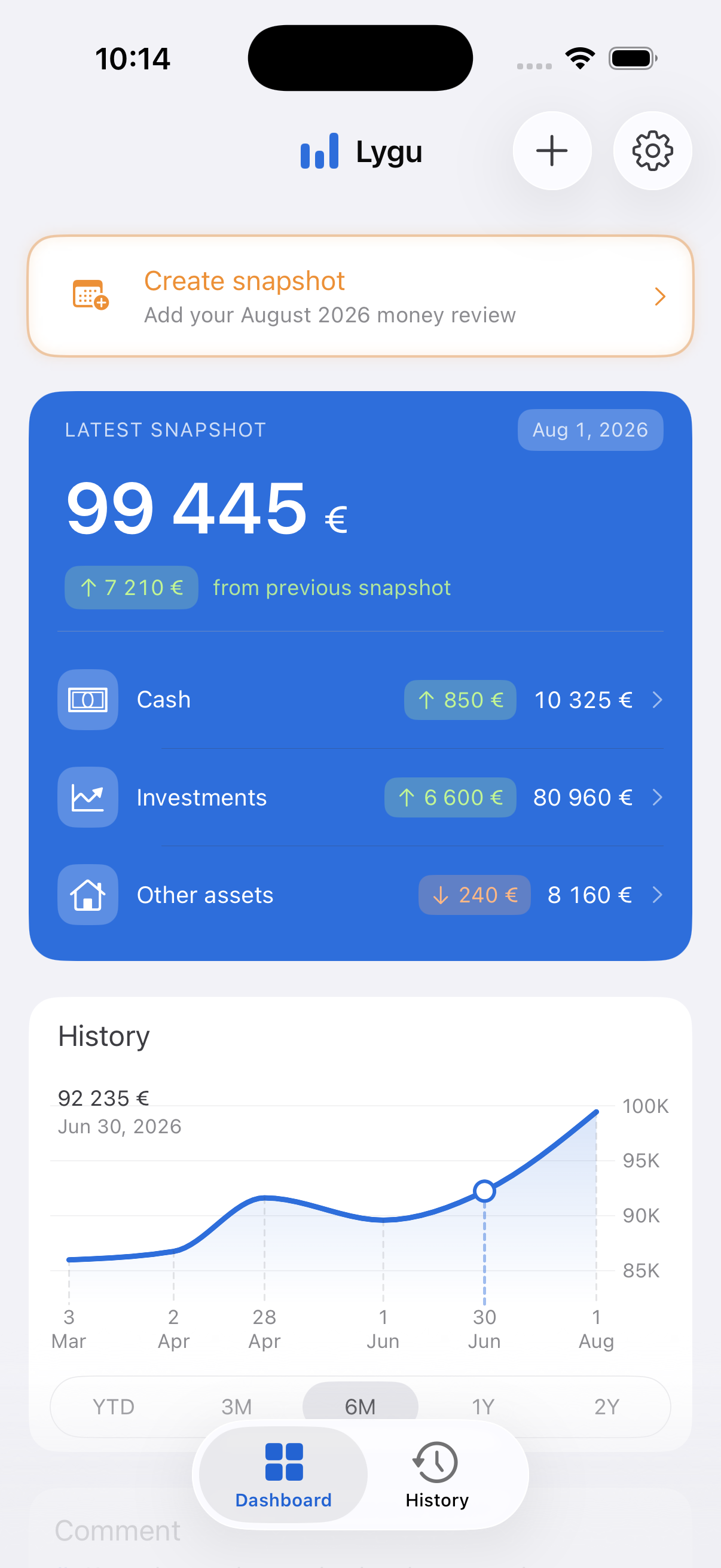
A rhythm you can come back to
Lygu brings a little structure to a simple habit: pause, look at your money, and notice what changed.
Add balances for the things you own and owe, plus income for the period. You decide what belongs in your picture.
Compare with your previous review. Look at net worth and changes across cash, investments and other categories.
Write a short reflection. Notice a change, ask a question, or choose one thing to revisit next month.
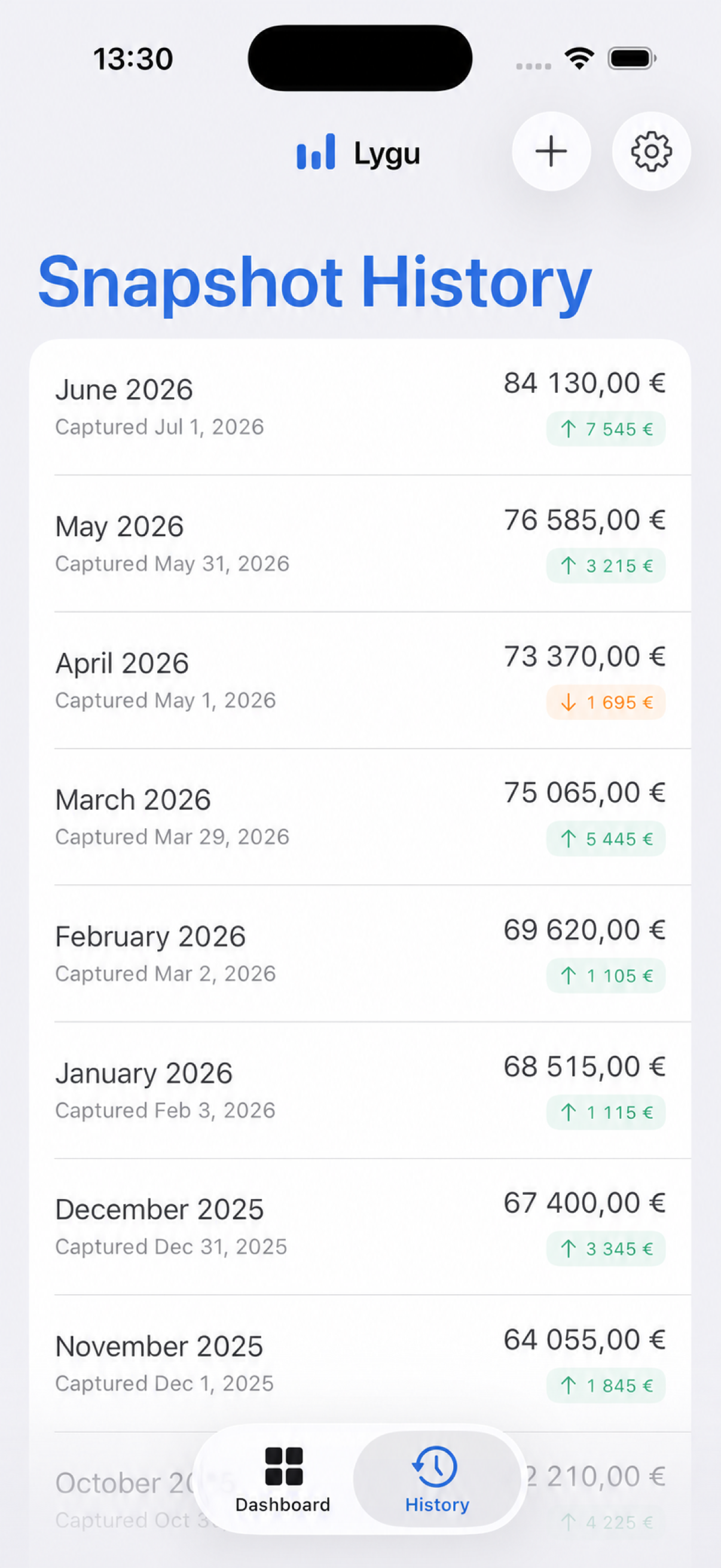
The bigger picture, with context
A balance tells you where you are. A history of snapshots helps you see how you got there.
App screenshot with demo data. Some features require Lygu Pro.

Room for the rest of life
For people who have put off money reviews or moved on from daily expense tracking, a monthly snapshot can be a manageable place to begin.
Try the 15-minute review guide →No bank connection or Lygu account is required. Your balances and reflections live in a local database on your device.
Lygu uses TelemetryDeck for limited usage analytics. Raw balances, income, notes and item names are not sent as analytics parameters.
You control exports. Files you choose to share are handled by the destination you select.
Choose what fits
Compare the workflows, including where another app offers more of what you need.
A little guidance
The questions a regular financial snapshot can help you answer.
↗A practical routineA simple sequence to make a monthly check-in approachable.
↗Your choicesWhat manual entry gives you, and the work it asks of you.
↗You enter snapshots of cash, investments, debts, other assets and income. Lygu compares these snapshots to show changes across your financial picture.
No. Lygu has no bank connection and no Lygu account. You enter balances yourself, at a time that suits your monthly review.
You can create financial snapshots and open the latest snapshot in History. Full history, additional dashboard analysis and JSON/CSV export require Lygu Pro. Check the App Store for current regional pricing.
Your entered financial records are stored locally on your iPhone. The app uses TelemetryDeck for limited usage analytics, without sending raw balances, income, notes or item names. See the privacy policy for details.
No. Lygu is built for financial snapshots and reflection. Spending can be estimated from balance changes and relevant inputs; this is not a transaction ledger or a category-by-category record.
People who want a periodic overview and prefer manual balances. If you need automatic bank imports, shared budgets or individual transaction categories, a different app may fit better.
Your next money review can start with a single snapshot.
Download Lygu for iPhone ↗iOS 26 or later · English & Lithuanian · Some features require Pro
Allow advertising measurement? With your permission, OpenAI receives page-view and App Store link-click events, along with technical and ad-click identifiers, to measure our ChatGPT ads. App financial records are not included. Details